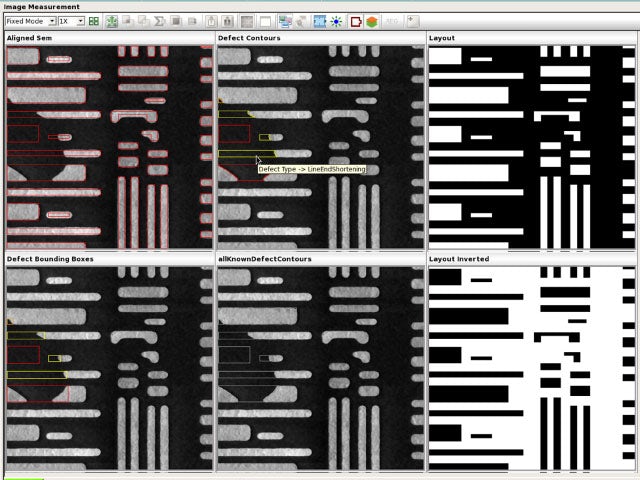
Calibre Design Solutions
Calibre Design Solutions is the industry leader for IC verification, delivering a complete IC verification and DFM optimization EDA platform that speeds designs from creation to manufacturing, addressing all sign-off requirements.

Calibre Design Solutions Portfolio
Calibre Design Solutions delivers the most accurate, most trusted, and best-performing IC sign-off verification and DFM optimization in the EDA industry.



Shift left with Calibre
The Calibre shift-left strategy provides pioneering tools and techniques that reduce signoff iterations and time to tapeout while ensuring quality results.

Fabless/foundry ecosystem solutions
See how Siemens EDA supports fabless/foundry ecosystems with collaboration and innovation.


Looking for Calibre IC Manufacturing Products?
The industry-leading Calibre IC Manufacturing products deliver silicon foundry success with tools that ensure fast ramp and maximum process yield through the entire technology node life cycle.